Release Note Tone for Open-Source Projects
Different release note sections must speak to the distinct decisions each reader faces.

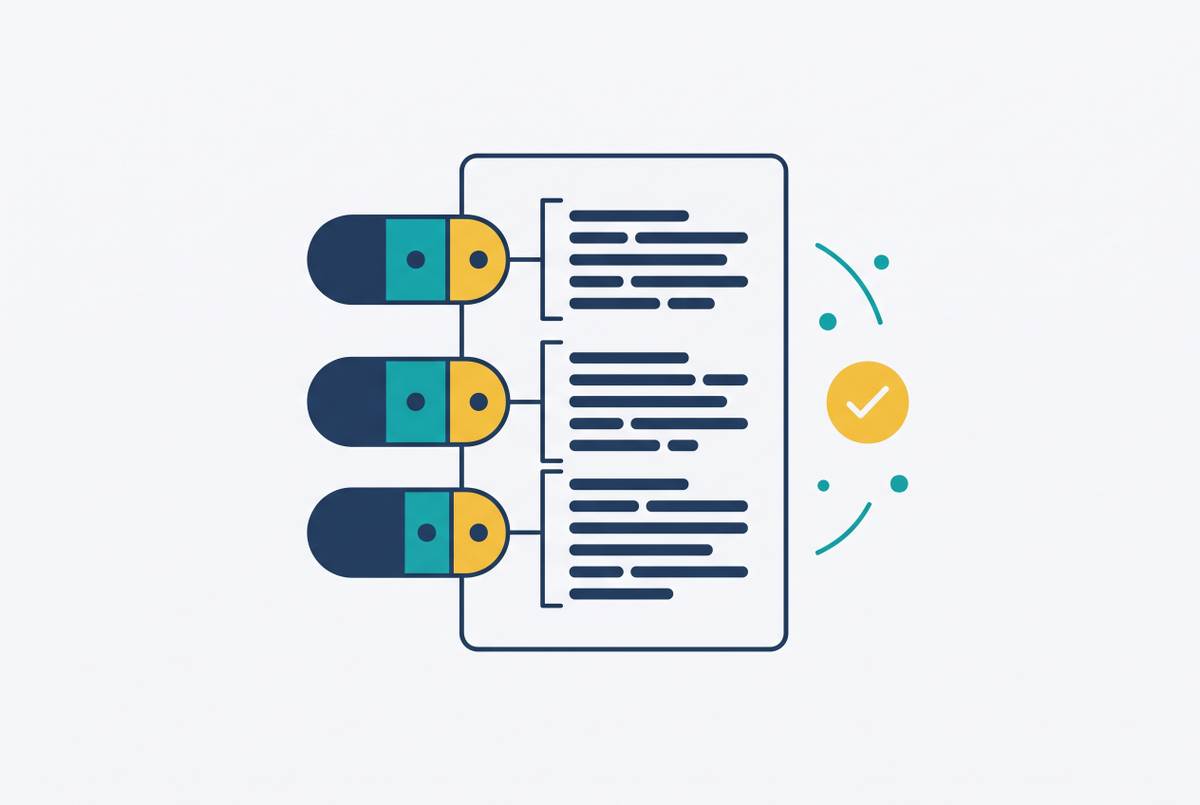
Release note tone for open-source projects is an audience-routing problem. The summary, structured changelog, and migration instructions each help different readers decide what to do. Using the right register in each layer helps those readers act without having to ask in the support queue what the release does.
Why release notes for open-source projects face a three-audience problem that generic changelog advice ignores
The release has shipped, and the support queue fills up anyway. Users ask whether they should upgrade, downstream maintainers ask what broke, and contributors look for the reasoning behind changes to the codebase. The notes may list every change and still leave these questions unanswered. Nothing has to be missing for communication to fail. The problem can be that readers cannot distinguish the information they need from the information meant for someone else.
Open-source release notes serve three audiences at once. A downstream maintainer asks, “Does this break my dependency?” A casual user asks whether the version is safer or faster, while a core contributor wants to understand the architectural direction. These audiences face different decisions. A full account of how the code changed can help a contributor but tell a user little about whether to install the release.
Nor do these readers arrive in a neat sequence. Their needs coexist, so placing one audience first cannot mean making everyone else work through that audience’s concerns. The raw material makes this harder because contributors may have different levels of English proficiency and very different writing styles. Keep a Changelog explicitly warns against treating a raw git log as a changelog. A record organized around how work entered the repository does not, by itself, explain how that work affects the people using it.
Why tone is a routing decision, not a house-style preference
Release notes should use the tone that serves what the reader needs to decide at that point in the document. A casual user may stop after the summary, while a maintainer of a dependent project may read everything. Both are reasonable ways to use the notes. The structure must help readers who stop early decide what to do and still give those who read on the detail they need.
Tone follows from that division of work. The summary speaks in outcomes, the changelog uses precise technical terms, and migration instructions tell the reader what to do. A house style can guide the wording, but each layer still has its own job to do. A sentence passes the test if it helps the reader it is written for decide whether to act. A sentence can be polished, consistent with project conventions, and still fail that test because it answers the wrong question.
The strongest objection is the extra work this appears to demand. Maintainers already have a release to ship. Careful layering cuts that work by keeping the judgment about how to tell the story in the summary while automation puts the structured parts together. It also makes respect for different readers visible, since plain language welcomes people who do not read code, while precise migration guidance respects those responsible for running it. The aim is not three rewrites of every change, but the right explanation at the point where someone needs it.
What the plain-language summary must do — and who it is actually written for
The summary is for someone who installed the tool recently, opens the release page, and wants to decide whether to upgrade. That reader will not inspect a diff. Because the summary is the only part most users will read, it must make sense without requiring prior knowledge of the project’s changelog. Two to four sentences should explain what changed in terms that this reader can recognize. Repeating the version header uses that small space without helping the decision.
“Refactor token refresh middleware” names internal work but leaves the reader to infer its effect. “Existing sessions now refresh without requiring users to sign in again” gives the reader an observable outcome. The second sentence is not merely a friendlier version of the first. It answers a different question, moving from what developers changed to what users will experience.
That distinction also puts a limit on translation. The actual outcome must be known before replacing an implementation description with a user-facing claim. Otherwise, plain language can make an unsupported promise easier to understand without making it more accurate. Simplicity alone is not the goal here. The summary should express the actual effect of the work.
To preserve that focus, codenames, ticket IDs, and internal jargon belong in the structured layer below. Their removal is a division of labor that preserves the importance of technical detail. A reader who needs traceability should be able to find it elsewhere. The summary earns its place by answering “why should I care?” The summary complements the changelog by answering “why should I care?” for someone who cannot answer that question from component names.
How the structured changelog serves the reader who needs technical detail, not narrative
The structured changelog serves a reader looking for a particular change. A developer may need to identify an API change, a compatibility condition, or behavior that has been removed. Precision now takes precedence over narrative flow. Each entry should make sense at a glance, without the reader having to read all the entries around it. Technical vocabulary belongs here when it identifies exactly what changed.
Labels including Added, Changed, Deprecated, Removed, Fixed, and Security separate changes by their meaning. Using the same labels also lets tooling recognize the sections. This is where convention has a practical purpose. With a category they know, readers can find the changes they need without first learning how a project likes to tell its release story.
Kubernetes provides a concrete anchor for this approach. The official Kubernetes contributor guide identifies qualifying changes including CLI changes, API changes, UI changes, configuration schema changes, and behavioral changes, as well as deprecations and CVEs. It also requires release notes to flag “action required.” These distinctions bring the reader’s needs into the contribution workflow rather than leaving them entirely to a final editorial pass. The resulting note must communicate not just that work occurred, but whether the reader has something to do.
Each entry should also link to the relevant pull request or issue. That traceability gives an open-source reader a route from the concise statement to the underlying discussion or implementation. The summary does not need to absorb that detail. User-facing notes start with how the workflow changes, while developer-facing notes need details about the API and compatibility to help readers make a technical decision. Both can use the same release metadata while differing in how they are worded and how much readers need to read.
Why migration instructions require their own section and a different register again
A breaking change can be documented and still be effectively hidden. If it sits among feature additions without a visible instruction, the reader may not discover the required work before upgrading. The failure is more than untidy formatting. The document has recorded a change without delivering it to the person who must act on it. That undermines trust because the reader needed guidance.
Migration instructions are for someone who has already decided to upgrade. The reader now needs to know exactly what must change to use the release. This calls for another shift in register, from describing the change to telling the reader what to do. Clear steps, before-and-after code examples, and links to full migration guides show the reader how to make the change. Their directness is appropriate because the reader is trying to complete a task.
The ReleaseGlow open-source template recommends linking breaking changes to a migration guide in the same release. It also distinguishes GitHub Releases as the canonical public-facing changelog from CHANGELOG.md as the repository-level record. The before-and-after format makes the migration layer’s job especially clear. The “before” shows the code being replaced, while the “after” shows what the reader needs to use instead. A changelog description names the difference, but this format gives the reader a concrete basis for making the change.
The lesson for a project is to give breaking changes their own visible section, enough lead time, and a concrete sequence of actions. “What changed” alone cannot do that work. Users especially need these instructions when a security patch also brings a breaking change, forcing them to weigh vulnerability against instability. Migration guidance addresses the upgrade obstacle and explains that conflict. Its separate placement makes the required action discoverable when the reader is deciding how to proceed.
How automation and human review divide the labor of producing this layered structure at scale
Automation can assemble PR titles, labels, linked issues, version metadata, API parameter tables, and changelog bullets from git history. These are inputs to the release note. Collecting them consistently leaves a human reviewer with less assembly work and more room to judge what the release means for its readers.
The plain-language summary, security implications, deprecation warnings, architectural trade-offs, and claims tied to user promises need editorial judgment. Fluency is not evidence of accuracy here. An AI-drafted note can sound convincing while describing the wrong behavior, omitting a breaking change, or including material not intended for that audience. Review must therefore check what the sentence claims and who it is for, as well as how well it reads.
Hugging Face documents a weekly release workflow for huggingface_hub built around AI, open tools, and a human in the loop, with automation and human judgment sharing the work. The distinction fits the layered structure. Automation prepares the material from which the technical record is assembled, while human review is responsible for the interpretation and promises that readers will act on. Neither role makes the other unnecessary.
A project using this division of labor also needs clear ownership of the final version. Diffused responsibility can leave notes unpublished or make publication inconsistent, even when the draft already exists. Someone must be accountable for the finished note. That responsibility connects the assembly process to the reader-facing result, including whether the summary is accurate and required actions are visible.
Why consistent structure — cadence, labels, archive — is what turns a single good note into a trustworthy project signal
Consistency changes what readers can learn from release notes over time. A reliable cadence and stable structure let users and dependent projects use the record to assess project health over time. Labels readers know make it easier to find the same kind of information again. A familiar document structure makes a local editorial decision part of the project’s public reliability.
The conventions should therefore be decided once and documented. A five-line style guide can cover heading case, whether bullets end in periods, where breaking changes appear, and how versions and dates are formatted. These are small choices with repeated consequences. Settling them keeps each release from reopening the same formatting discussion and gives contributors with different writing styles a shared frame. Unlike a demand for one uniform tone, that frame still allows each layer to serve its own reader.
The archive needs the same care as the current release. Old entries should never be deleted or overwritten because readers use historical changelogs to debug regressions, reconstruct when behavior changed, and audit dependency history. Today’s explanation may answer a future maintainer’s question. The archive is part of what the project provides.
Those same structural properties also support AI-assisted discovery. Clear headings, version dates, linked sources, and a public archive help retrieval systems find and cite the parts that readers need. This benefit follows from work already needed for human readers.